
WhatsApp CRM: Compare Tools for Customer Support
When several people manage the same WhatsApp number, it’s easy to answer a question twice or leave a message unanswered. A shared inbox lets you assign conversations, keep the context, and coordinate your team. In this guide, we compare four tools for managing customer support on WhatsApp and explain their key subscription terms.
Table of Contents:
WhatsApp Business supports linked devices and may be enough for a small team. If you need to assign conversations, manage permissions, automate replies, or track response times, consider a dedicated platform. While these tools are often called WhatsApp CRMs, a shared inbox, a ticketing system, and a sales CRM serve different purposes. Decide whether you need customer support alone or also sales opportunities and follow-ups.
Benefits of Managing WhatsApp With a Shared Inbox or CRM
- Centralized conversations. Your team can review the history and continue helping customers without asking them to repeat their questions.
- Conversation assignments. Assignments and statuses help everyone see who’s handling each conversation and which ones are still pending.
- Task automation. Quick replies and workflows can answer common questions, collect information, or route inquiries to the right team.
- Support metrics. Depending on the tool and plan, you can track response times, inquiry volume, and performance by agent or department.
- Internal collaboration. Notes and permissions make shift handoffs and coordination between support and sales easier.
- Sales follow-ups. Tags, contact records, and sales pipelines, where available, help you organize opportunities and next steps.
Choose a tool based on what your team needs to do. A shared inbox may cover day-to-day support. If you also need to manage sales, review its sales features and how it integrates with your CRM.
Before comparing prices, work out how many people will handle conversations, how many numbers you’ll connect, and which automations you need. Also check how the platform connects to WhatsApp, its usage limits, and any additional messaging and AI costs.
WhatsApp CRM and Customer Support Platform Comparison
Last reviewed: October 23, 2026. Prices are shown in each provider’s published currency. We distinguish monthly billing from the monthly equivalent of an annual subscription. Check applicable taxes and the final price before signing up.
The total cost may include more than the subscription: additional users and numbers, WhatsApp Business Platform messages, AI usage, and add-ons. A platform’s conversation allowance does not necessarily use the same billing unit as Meta’s messaging charges.
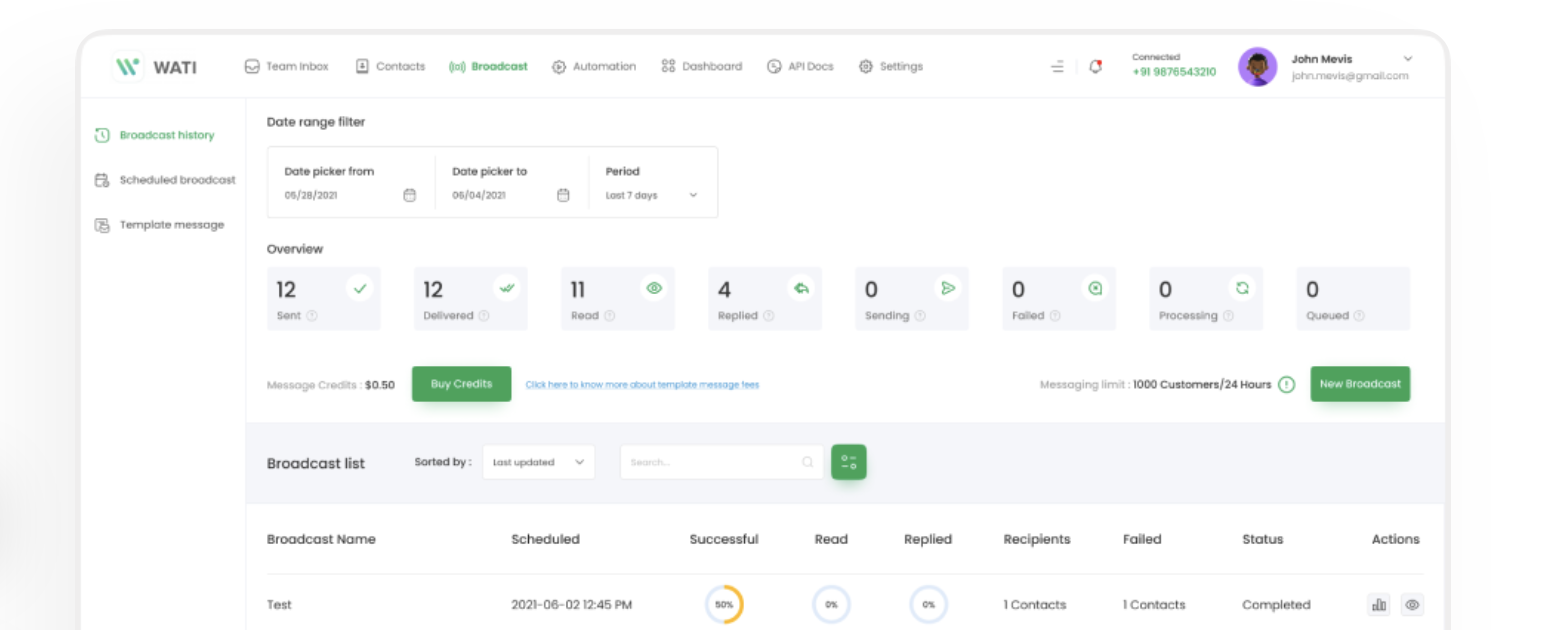
Wati
| 📡 Available channels: | WhatsApp, Instagram, Facebook Messenger, and TikTok. Availability depends on the plan; Growth lets you connect one channel. |
| 🔗 WhatsApp connection: | Official WhatsApp Business API. |
| 💰 Pricing: | Check current pricing for Growth, Pro, and Business. |
| 👥 Included users: | 3 on Growth, with no additional users allowed. Pro and Business include 5, with additional users available for a fee. |
| ✅ Key features: | Shared inbox, campaigns, integrations, and automation. AI Copilot and Astra agents are available subject to plan and add-on terms. |
| 🔎 Things to consider: | Growth does not include webhooks. Integration and automation limits vary by plan. Astra is a separate add-on. |
| ➕ Additional costs: | Messaging, additional users on eligible plans, and add-ons. |
Source: Wati plans and terms.
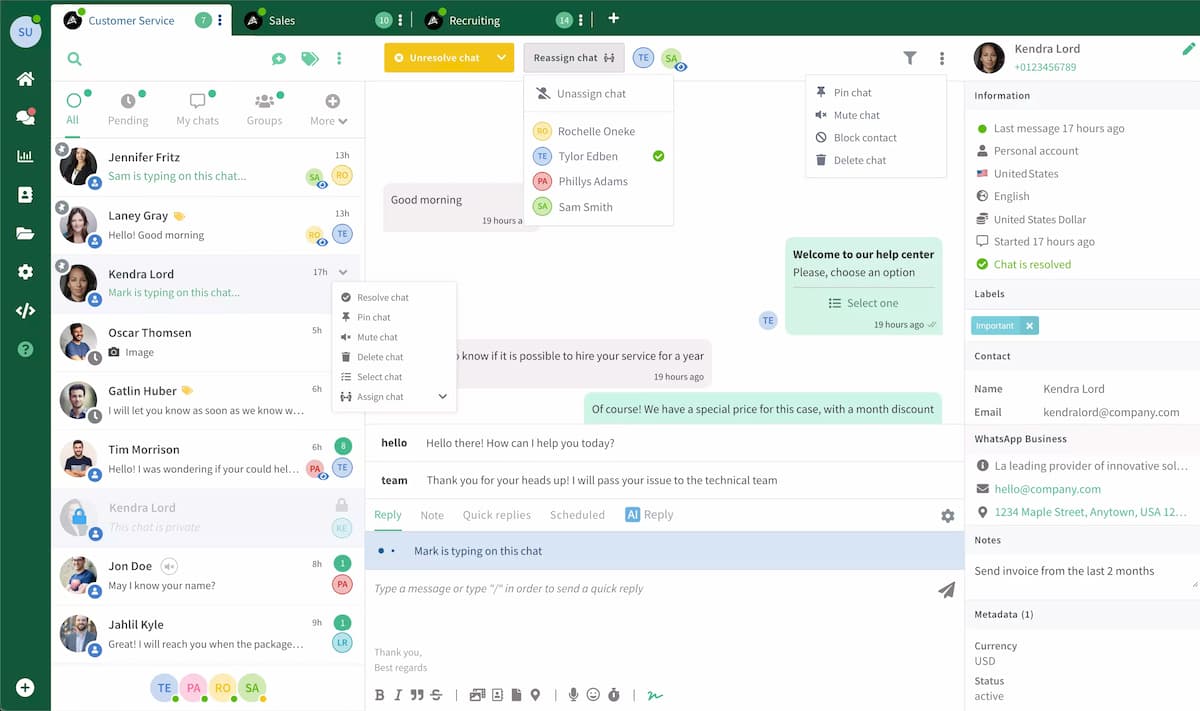
WaliChat
| 📡 Available channel: | WhatsApp. |
| 🔗 WhatsApp connection: | Official API and coexistence with the WhatsApp Business app for eligible numbers. |
| 💰 Starting price: | €39.90/month per number when billed monthly. The Professional plan costs the equivalent of €33.25/month when billed annually at €399. |
| 👥 Included users: | 3 on Professional, 6 on Business, and 9 on Enterprise. |
| ✅ Key features: | Shared inbox, AI-generated drafts, mobile app, API, and integrations. |
| 🔎 Things to consider: | Professional does not include automatic assignment or connected automations. It has limits of 5,000 contacts and 270 days of chat history. |
| ➕ Additional costs: | Meta messaging charges and external services, where applicable. |
Source: WaliChat plans and terms.
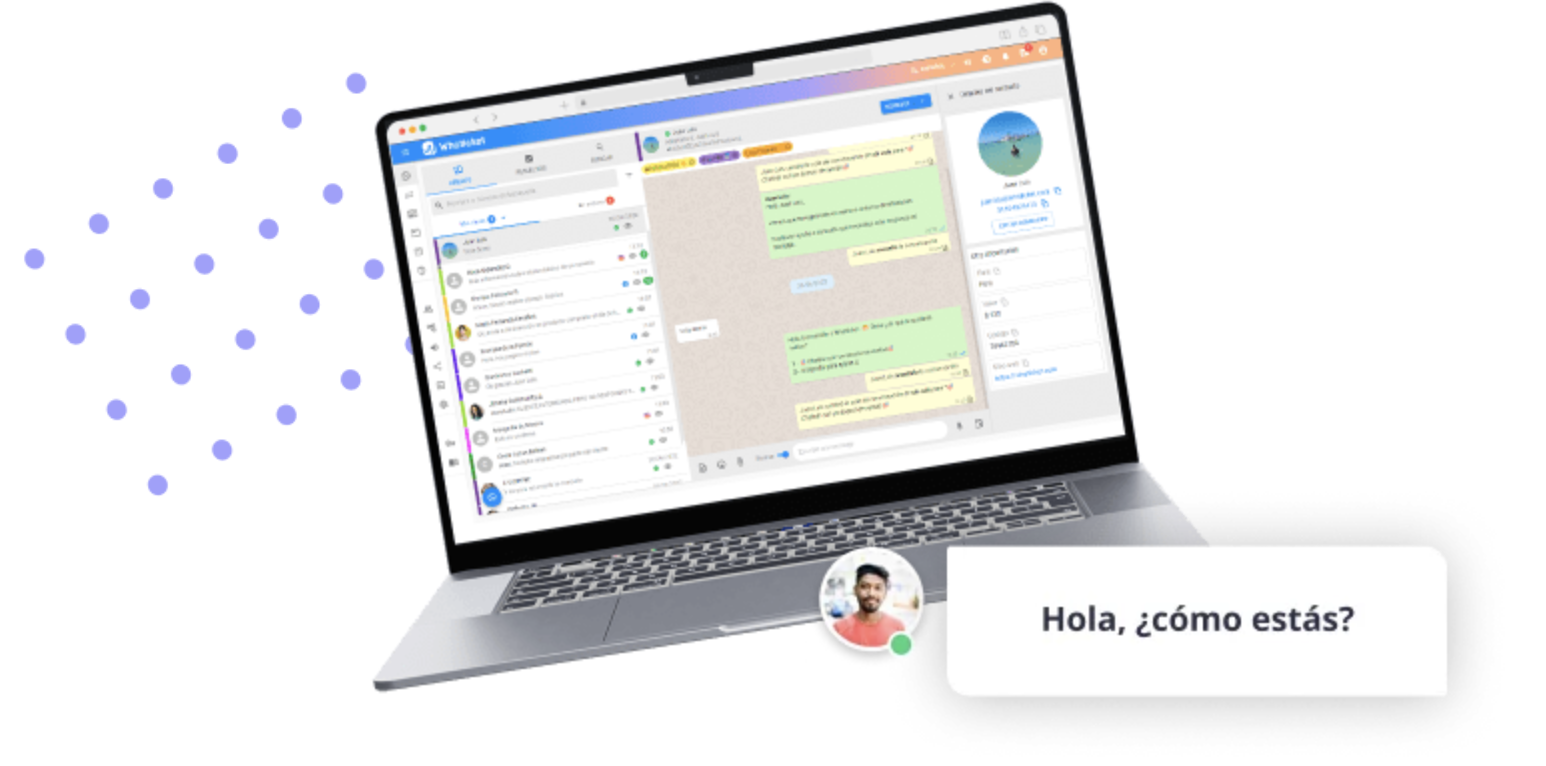
Whaticket
| 📡 Available channels: | WhatsApp, Instagram, Facebook, TikTok, and web chat. |
| 🔗 WhatsApp connection: | Connection options include QR code, the official API, and coexistence. Check the requirements for each option. |
| 💰 Starting price: | US$49/month when billed monthly for the published starting configuration. A 20% discount applies to annual billing. |
| 👥 Included users: | 3 users and 1 WhatsApp connection in the starting configuration. |
| ✅ Key features: | Multichannel inbox, departments, rules-based chatbot, AI chatbot, Wäbot AI agent, and suggested replies. |
| 🔎 Things to consider: | The price changes as you add users and connections. AI requires OpenAI tokens, which are not included in the plan. |
| ➕ Additional costs: | Additional connections starting at US$20/month, AI usage, credits for bulk messaging, and Meta charges when using the API. |
Source: Whaticket plans and terms.
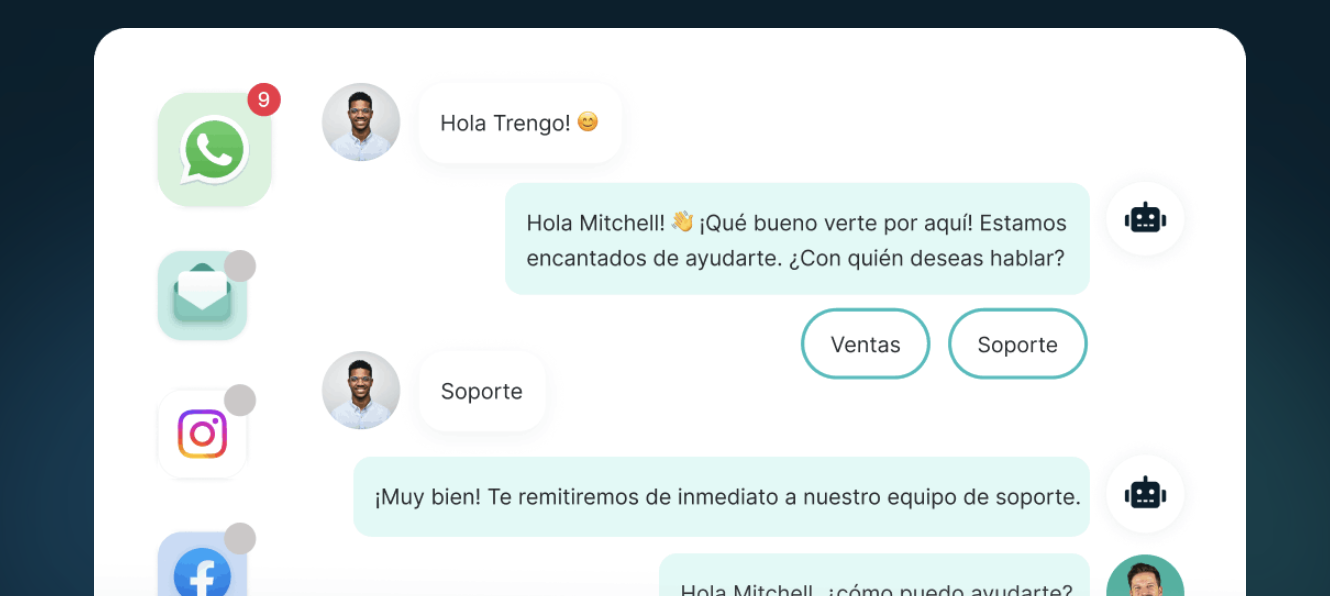
Trengo
| 📡 Available channels: | WhatsApp, email, Instagram, Facebook Messenger, web chat, and SMS. |
| 🔗 WhatsApp connection: | Official WhatsApp Business API. |
| 💰 Starting price: | €349/month when billed monthly on Boost. Equivalent to €299/month when billed annually. |
| 👥 Included users: | 10 on Boost and 20 on Pro. Additional users are available for a fee. |
| 💬 Included conversations: | Boost: 500 per month with monthly billing or 6,000 per year with annual billing. Trengo counts conversations in 7-day windows. |
| ✅ Key features: | Multichannel inbox, HelpMate AI agent, and automation with AI Journeys, which is listed as being in beta. |
| 🔎 Things to consider: | The starting subscription price may be high for small teams. Conversation limits and surcharges apply to AI usage and other features. |
| ➕ Additional costs: | Additional users and conversations, AI surcharges, campaigns, and WhatsApp messaging under the applicable terms. |
Source: Trengo plans and terms.
Frequently Asked Questions About WhatsApp CRMs
What is a WhatsApp CRM?
It’s a tool for organizing WhatsApp contacts and conversations. Some include sales opportunities and pipelines, while others focus on a shared inbox or inquiry management. Review the sales features you need before choosing one.
Do I need a CRM if several people manage the same number?
WhatsApp Business supports linked devices. A dedicated platform is useful when you need to assign conversations, organize departments, manage access, automate tasks, or track your team’s support performance.
What’s the difference between WhatsApp Business and WhatsApp Business Platform?
WhatsApp Business is the app for businesses. WhatsApp Business Platform provides an API that connects WhatsApp to customer support platforms, automations, and other systems. The API requires a tool or custom software to manage conversations.
Can I keep using the WhatsApp Business app after connecting a CRM?
It depends on the provider and connection method. Coexistence lets you use the app and the API with the same number when it meets the requirements. Before connecting, confirm that your number is eligible and check how much of your chat history can be retained.
Does the CRM subscription include all WhatsApp messages?
Not necessarily. The subscription may cover access to the platform and a usage allowance, while WhatsApp Business Platform messaging may incur additional charges. Check the provider’s and Meta’s current rates for the messages you plan to send.
Is AI included in the price?
It depends on the tool and plan. Distinguish between suggestions reviewed by a person, rules-based chatbots, and agents that reply automatically. Also check whether credits, tokens, surcharges, or paid external services are required.
How do I compare the actual cost of these tools?
Add up the subscription, required users and numbers, message volume, automation, and AI usage. Review contact and chat history limits, taxes, and the difference between monthly billing and an annual subscription.
What should I test before subscribing?
Test how inquiries are assigned, what happens when a different agent takes over, and how an automated conversation is handed off to a person. Also check integrations, permissions, and options for exporting your data.